

AiHello
AiHello is the only PPC tool to automate your ads from A-Z. This means that in addition to automated bidding, they also offer a complete campaign builder, an effective keyword management tool, and a dedicated account manager to help you with strategy and implementation.1
Pricing1
AiHello offers multiple tiers depending on your current ad spend:
- Pro: $175/month for up to $5k monthly ad spend.
- Hybrid: $1200/month for full account management and up to $10k monthly ad spend.
- Agency: $1000/month for up to 10 accounts and unlimited ad spend.
- Enterprise: Custom pricing for $200k+ monthly ad spend.
For Agencies that manage multiple clients, you would usually end up with hundreds if not thousands of profiles on your dashboard.2
Amazon Portfolios for Profiles2
We are excited to release our Profile Portfolios for managing Amazon Advertising Profiles. This feature is more geared towards Advertising agencies rather than individual sellers.
This can quickly become a nightmare for managing the profiles and for even knowing which profiles belongs to which clients. There is no inbuilt Amazon ads functionality that helps you manage profiles. You can build portfolios for campaigns and organize campaigns on Amazon advertising console but unfortunately so such functionality exists for profiles or accounts.
This month, we released the Profile portfolio functionality. This will be useful for agencies that manage lots of profiles.
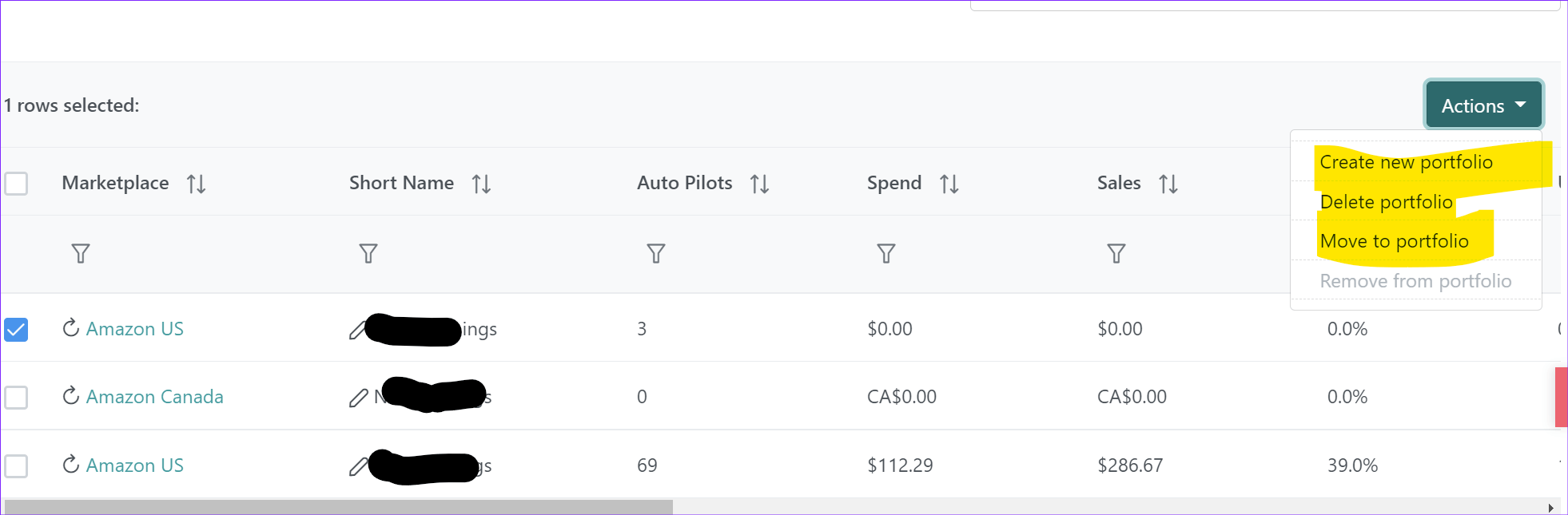
For Profiles that you do not manage or no longer manage, you can always disable them from the same screen.
Scroll horizontally in the Profiles List until you can see the enabled buttons for each profile and then click on the switch to disable them.
Product Update: Team Members and adding virtual assistants3
We’ve been working on upgrading our AiHello Autopilot with new features and better algorithms, and until recently, we only had an individual account. We’ve been focused on building a great core experience for our customers, and so far we think we’ve done that.
But we always knew we’d need a team account, and when we started building it, we wanted the experience to be on par with the rest of the product.
If you’re like us and started managing your Amazon account. with only an individual account, you know how exciting adding on a team account can be.
It’s something our customers have been asking for and for a very good reason: Selling on Amazon and running an ecommerce business can be an exhaustive venture. It’s almost impossible to do it alone. You always need a specialist or team member or mentor to guide you at various stages of your business.
Listing Localization4
For accuracy and relevance, you might need to hire a translator to ensure your listings truly connect with the target market.
As soon as your listings are translated, simply add them to your account.
Driving Traffic in the EU
To gain visibility in the EU, you’ll have to show up in the search results for keywords relevant to your product. To do this, you can use SEO and ads.
But before we discuss strategies for driving traffic, let’s figure out how to find the right keywords to show up for.
Keyword Research Strategies for the EU
There are three strategies we prefer to use when it comes to finding keywords in the EU. Let’s break them down for you!
Keyword Harvesting
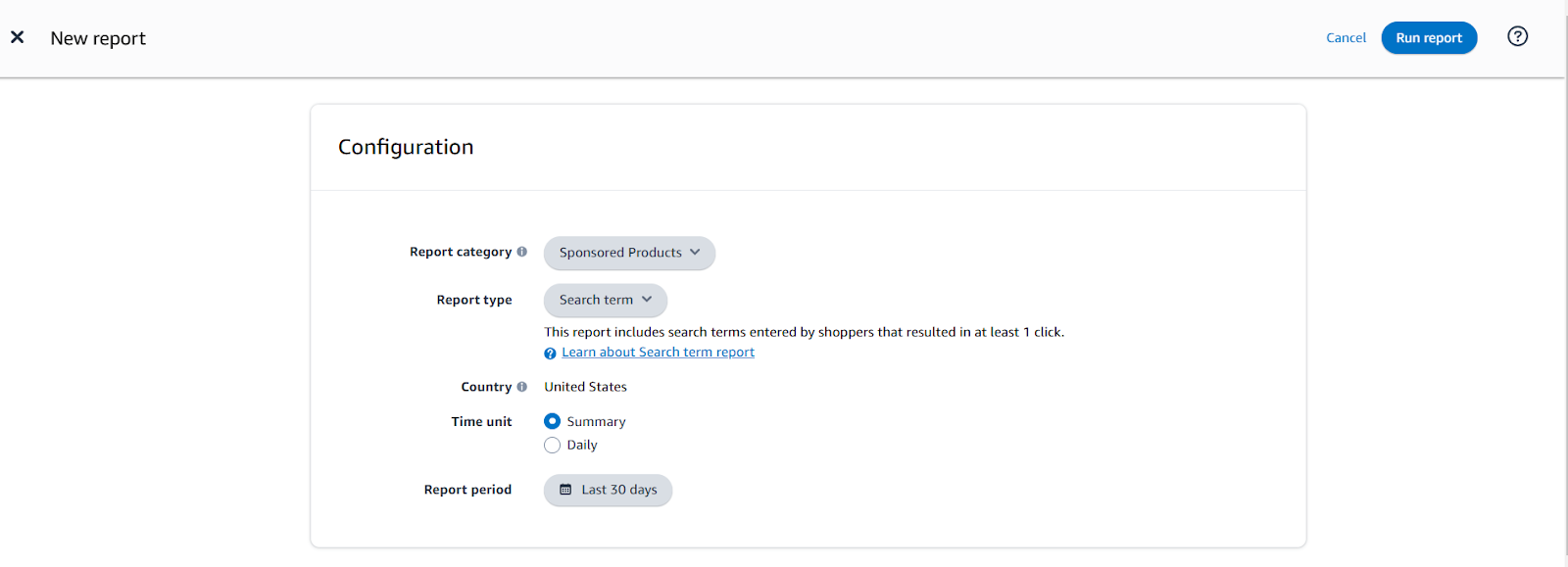
Another strategy to use is letting Amazon find the search terms for you by running auto, broad, and phrase campaigns.
After running these campaigns for a while, you’ll have thousands of search terms that Amazon found to be relevant to your local market.
You can take these search terms and use them as keywords in your other campaigns.
BidX5
BidX is a user-friendly tool that is popular among European sellers. Their software offers customizable rule based automation and a simplified campaign creator that saves a lot of time for sellers. They also have managed service plans that provide even more PPC assistance.