
Keyword bleed is when a keyword continuously racks up clicks and ad spend, but fails to generate any sales.1
What Does “Keyword Bleed” Actually Mean? How Some Keywords Can Bleed Money Without Conversions1
You might think your ad campaigns are running fine because everything looks “active” impressions are high, clicks are coming in, and spend is moving. But here’s the catch:
Not all active keywords are profitable.
Some of the most damaging keywords in your account are the ones that look fine on the surface but are actually bleeding money without bringing in conversions. This problem is more common than you think and it’s one of the top hidden causes of high ACoS.
Identify Leaks: Find Spend with Zero Sales; 7-Day vs 30-Day Lookback Nuance2
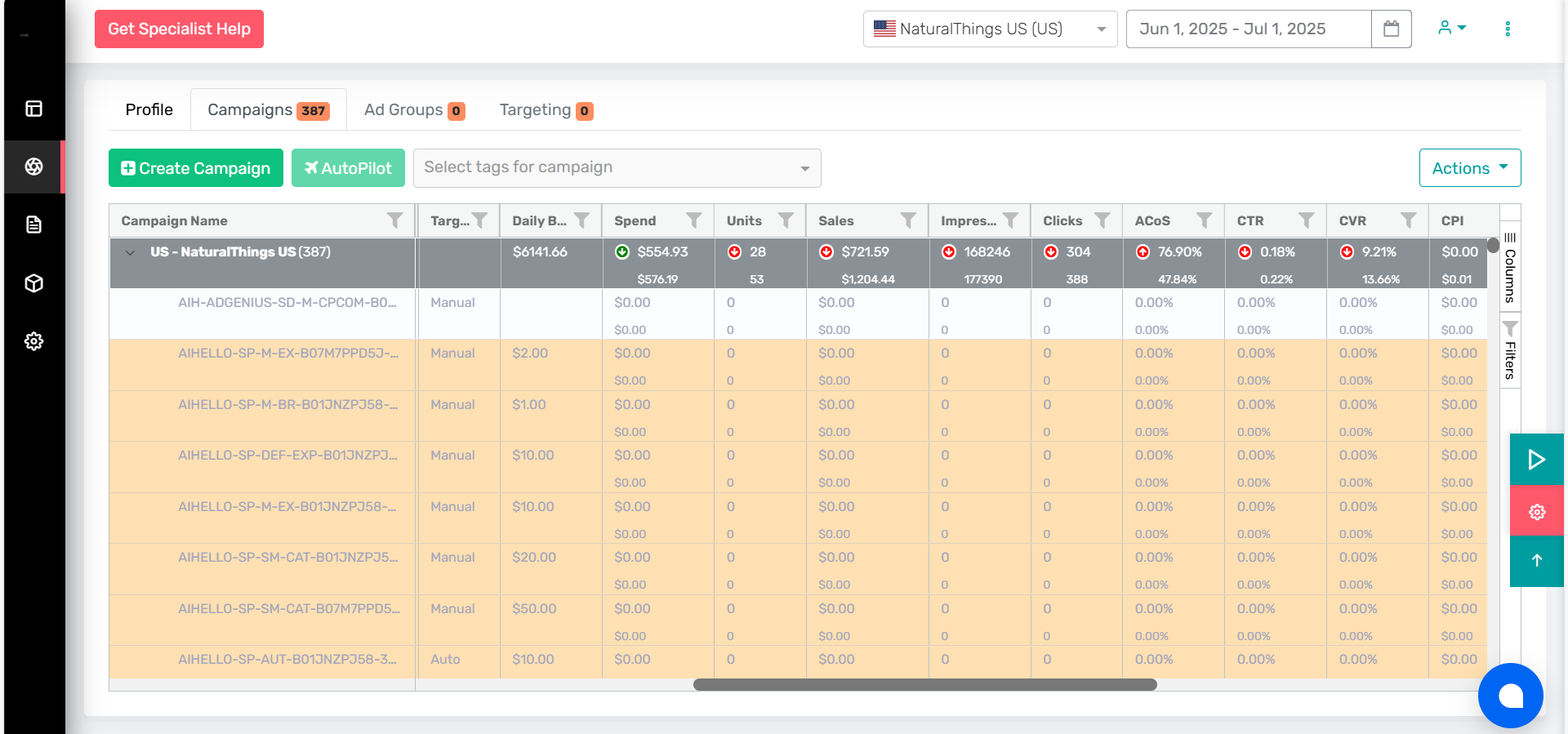
Optimal ACOS management begins with tracking wasted ad spend, what AiHello calls “leak detection.” This process isolates keywords, products, or placements that consume budget but deliver no sales, often a leading cause of inflated ACOS and lost profit.
Leak Finding
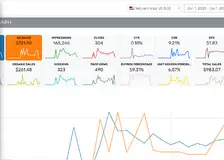
Use a “leak finder” table to highlight spend with zero sales by segment: keyword, search term, ad group, product, or placement. Start by pulling data for the last 7 days to catch fast-moving money pits, then widen out to 30 days to spot persistent underperformers that may be seasonal or slow-moving.
Short vs. Long Lookback
The 7-day lookback zeroes in on urgent drains that need immediate bid cuts or pausing, especially relevant for aggressive optimisation or new campaigns. The 30-day lookback adds broader context, catching patterns missed in short windows but also avoiding the mistake of deactivating slow starters or seasonal winners prematurely.
Action Steps
For any target with spend (clicks) and zero sales across either time frame, aggressively cut bids or pause the target. If conversion rates are low but not zero, use a tiered approach: reduce bids first, monitor results, then pause if improvement doesn’t happen.
Negative Keywords & Segmentation
Add negative keywords to block irrelevant traffic, segment by placement to focus budget only where conversions actually happen, and use regular leak analysis to ensure campaigns aren’t quietly bleeding money.
Search Term Optimization3
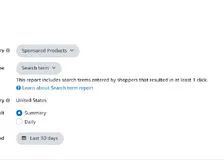
Efficiently works for all campaigns but especially well for Research, ACoS Scraping, and Phrase/Exact Match Type Expansion. For a particular keyword, this is used to determine the specific search words that aren’t converting. Within a campaign, it may be used on both advantageous and non-profitable keywords. Use a “Negative Exact” method to exclude search phrases that are weighing down the progress of your advertisements.
Thorough knowledge of keywords and search phrases provides your Amazon approach with specificity, cost efficiency, and competitive advantage.
Isolated search phrases allow you to control the bid on a single search term rather than a group of search terms connected to a keyword. This is the only way for Amazon advertising to expand while maintaining true ACoS and profitability.
Every dollar of your marketing budget matters and isolating search phrases can help you make sure you’re not wasting it. You’ll also have the perfect recipe to grow if you can find a technique to separate search phrases automatically with technology. You may take gradual control of your PPC ads, discover search term gaps, and enhance conversions with specific information from an analytics tool. It’s even better if you can segment this data into locations, personas, and purchasing paths.
Negate search terms with >5 clicks and 0 sales4
- Enable it. Click Update/Save so it starts running automatically.
Automation options: Adjust Bid vs. Negate
- Adjust Bid : Decrease bids on wasteful terms (e.g., no sales or ACOS ≫ target). Useful when you still want to test the waters at a lower CPC.
- Negate: Hard stop. Ideal for irrelevant queries or terms that repeatedly burn budget with no conversions.
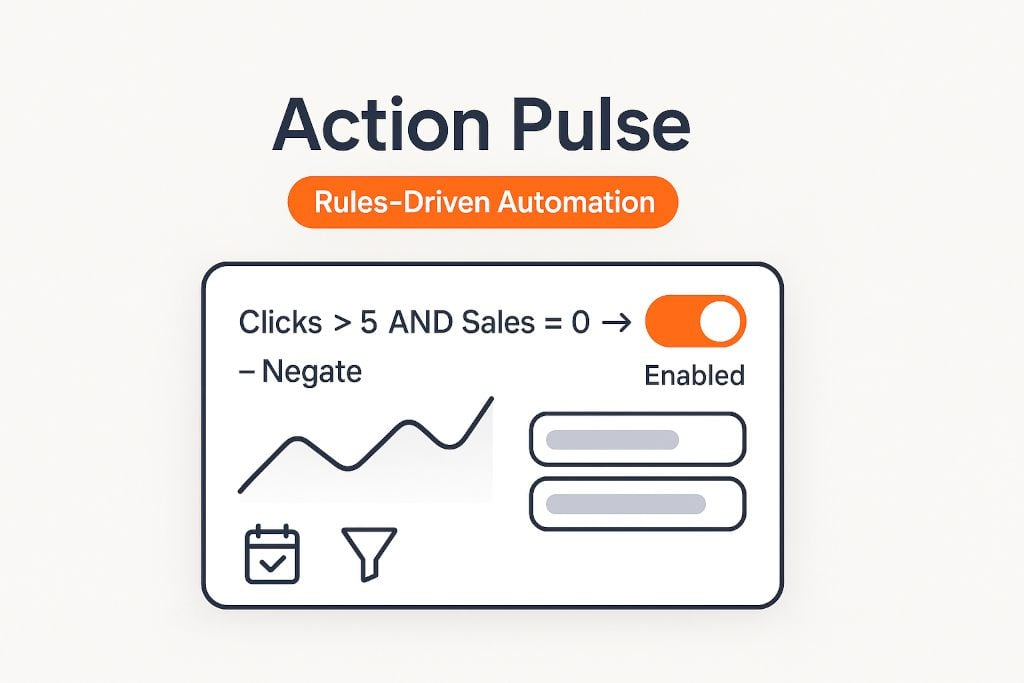
You can chain strategies: first reduce bids when Clicks > X and Sales = 0, then negate if still no sales after another lookback window.
Daily schedule & lookback windows
Action Pulse runs every day, checking your rules against the last N days of data.